Everything between
“hit record” and “published”
One app carries your show from the first stroke on the Glass to the final cut in Final Cut. Here's the tour.
The Glass
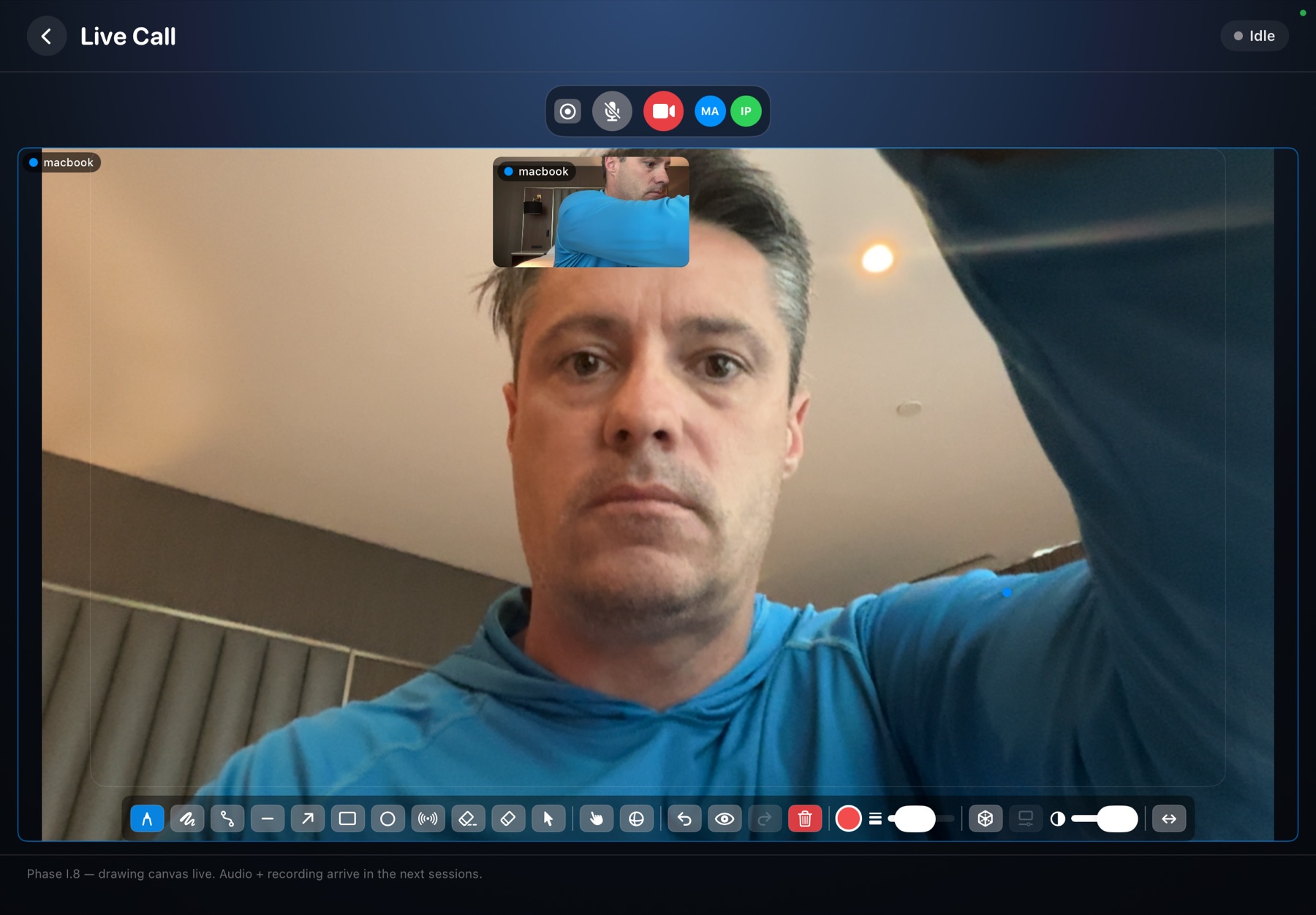
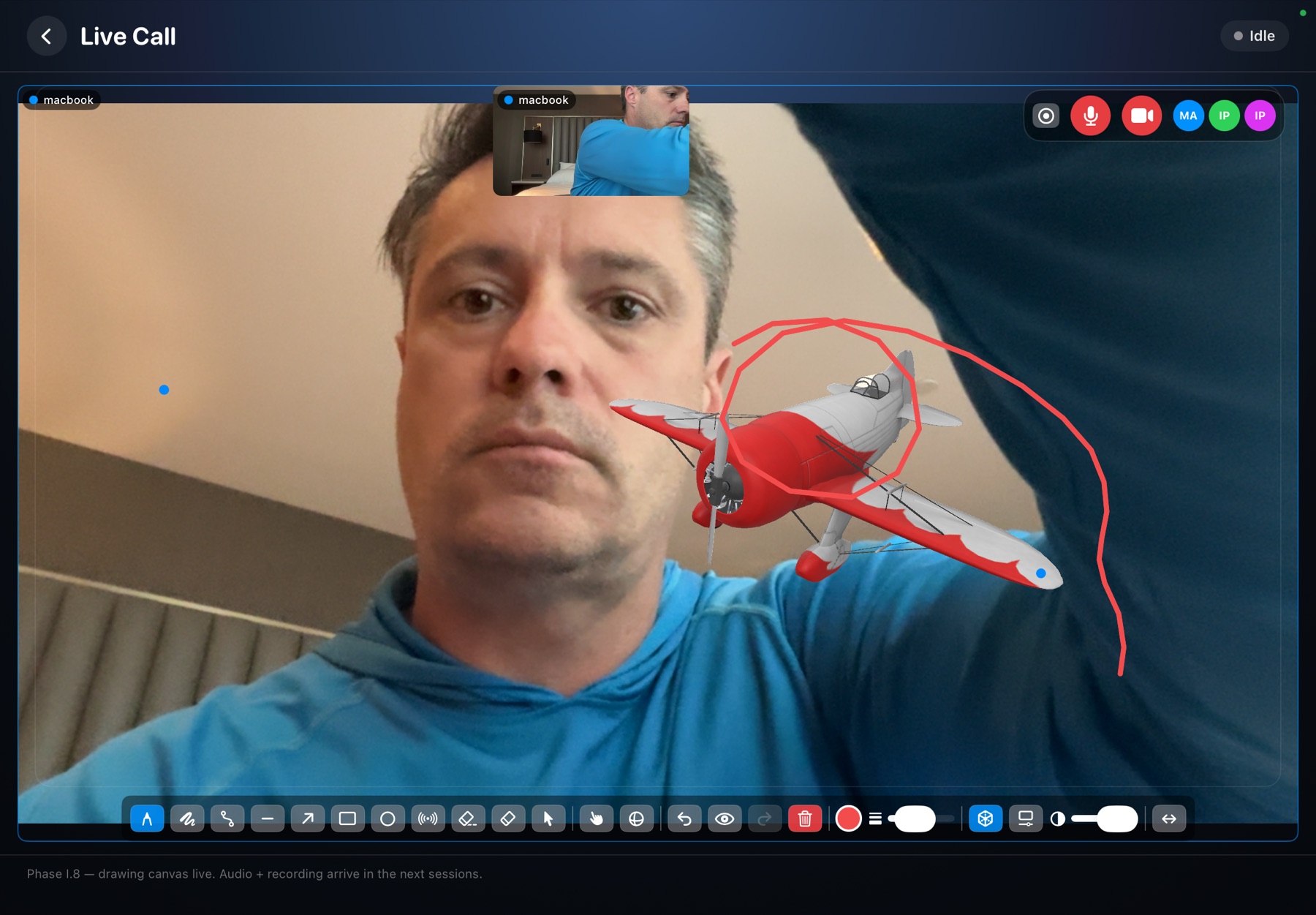
A live drawing layer that floats over your camera. Whatever you put on the Glass goes straight into your virtual camera — so Zoom, Riverside, and StreamYard see exactly what your audience should.
- Annotate live over your own camera with pen, shapes, and a laser pointer — built for teaching, not just doodling.
- Fly 3D models in your shot and steer them with hand gestures — pitch, roll, and yaw a glider without touching the keyboard.
- Slides and teleprompter share the same canvas, so you can present a deck and mark it up at the same time.
- It's a virtual camera — no plugins, no screen-share gymnastics. Pick “Glass Overlay” as your camera and you're on.
A studio, not a filter
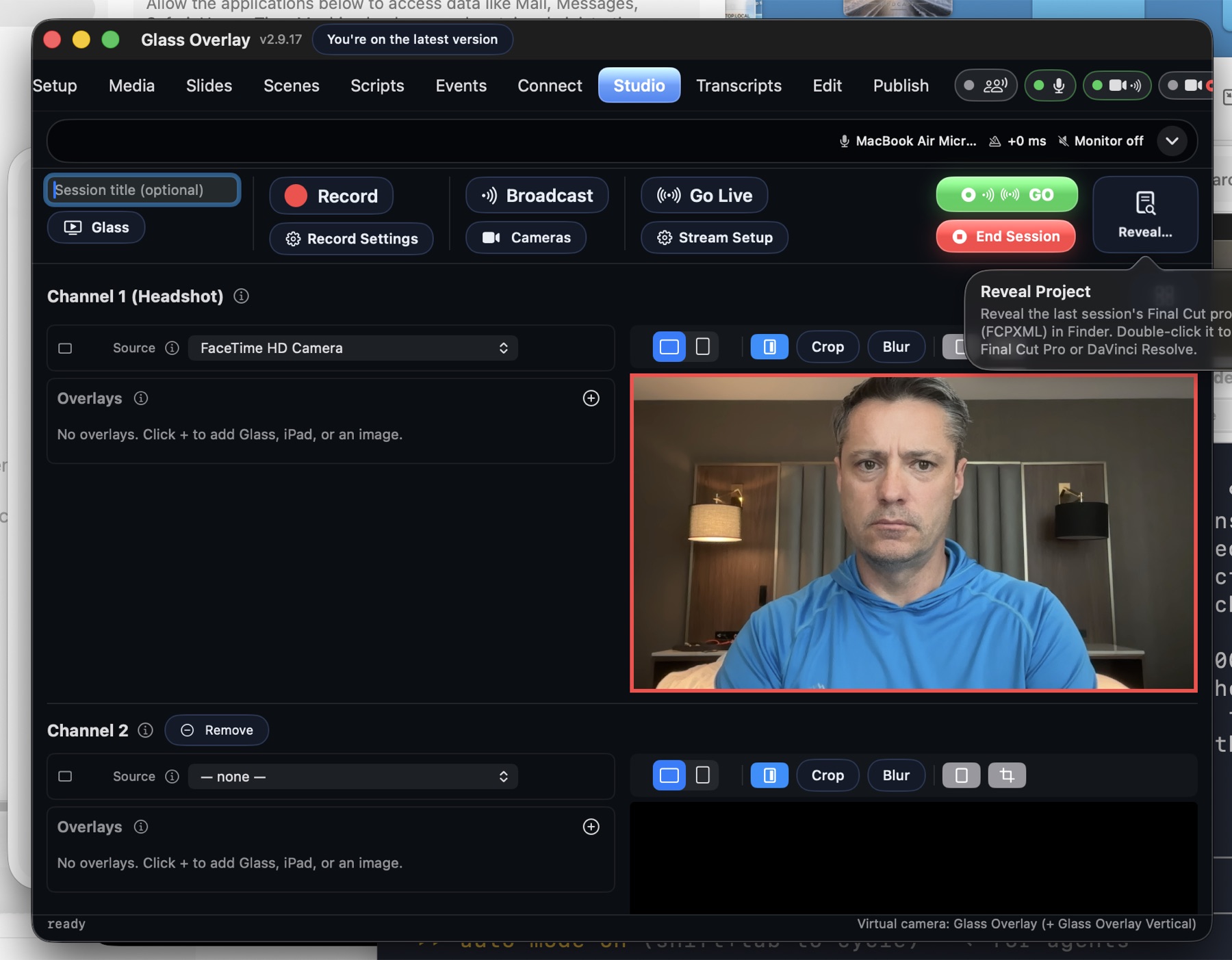
Under the Glass is a real production switcher. Multiple cameras, a proper transport bar, and capture that treats your footage like the master it is.
- Up to 4 channels — cameras, screens, iPhone — each with its own strip, switched live or composed into scenes.
- One-click GO arms broadcast, stream, and record together, so the show starts in sync every time.
- Multi-track local ProRes recording, written crash-safe as you go — a mid-session power cut doesn't cost you the session.
- RTMP out to Twitch, YouTube Live, or any custom endpoint, alongside the call you're already on.
Bring people in
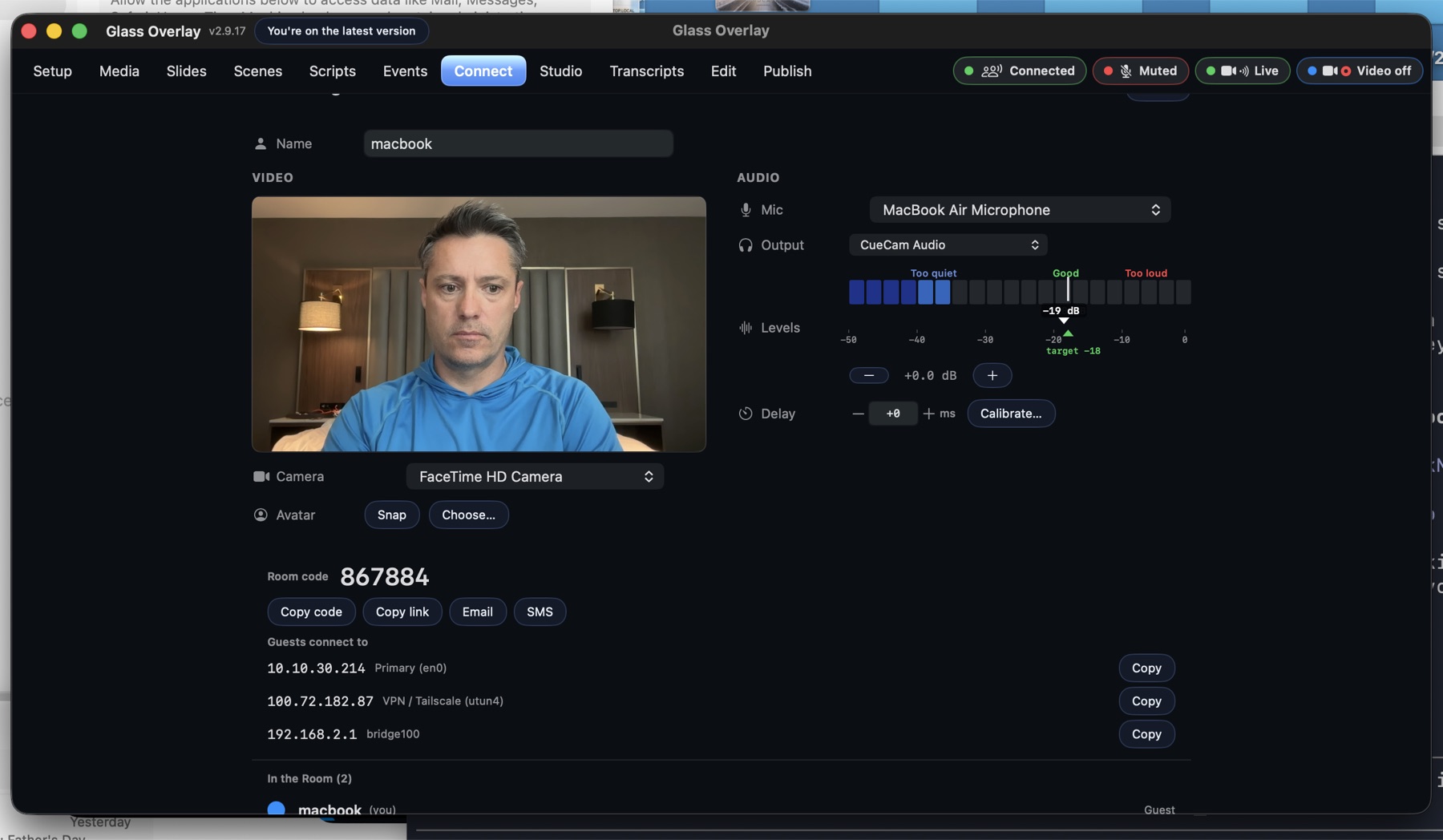
Cohosts and guests join over Cloudflare's network from a browser, an iPad, or another Mac — and the studio treats them like they're in the room.
- Remote guests, three ways — a one-tap browser link, the iPad app, or a full Mac studio on the other end.
- Synchronized local recording on every machine, so each person's track is captured at full quality, not at call quality.
- A shared drawing canvas — everyone can mark up the same Glass, live, with per-person attribution.
- Eye-contact PIP parks your guest's video right next to the camera, so looking at them looks like looking at the lens.
Finish without leaving
The session you just recorded is already sitting on a timeline. Cut it, clean it, and ship it — or hand it to Final Cut Pro with everything intact.
- Timeline editor with a preview window, filmstrips, and waveforms — built for cutting a conversation, fast.
- Per-speaker transcripts — select the words, delete the cut. Edit the audio like it's text.
- Filler-word review queues up every “um” and dead pause for one-key keep-or-cut decisions.
- Multi-track export and FCPXML handoff, so Final Cut Pro opens your session with every track and cut in place.
See it on your own screen
Glass Overlay is in private beta for podcasts, online ground school, and webinars. Grab the build and point your next call at it.