Draw on anything.
Broadcast everywhere.
Glass Overlay is a macOS live-production studio — a virtual camera that adds live drawing, slides, 3D models, and multi-camera switching on top of any call, with studio-grade recording and a built-in edit suite.
Works alongside Zoom, Riverside, StreamYard, and friends.
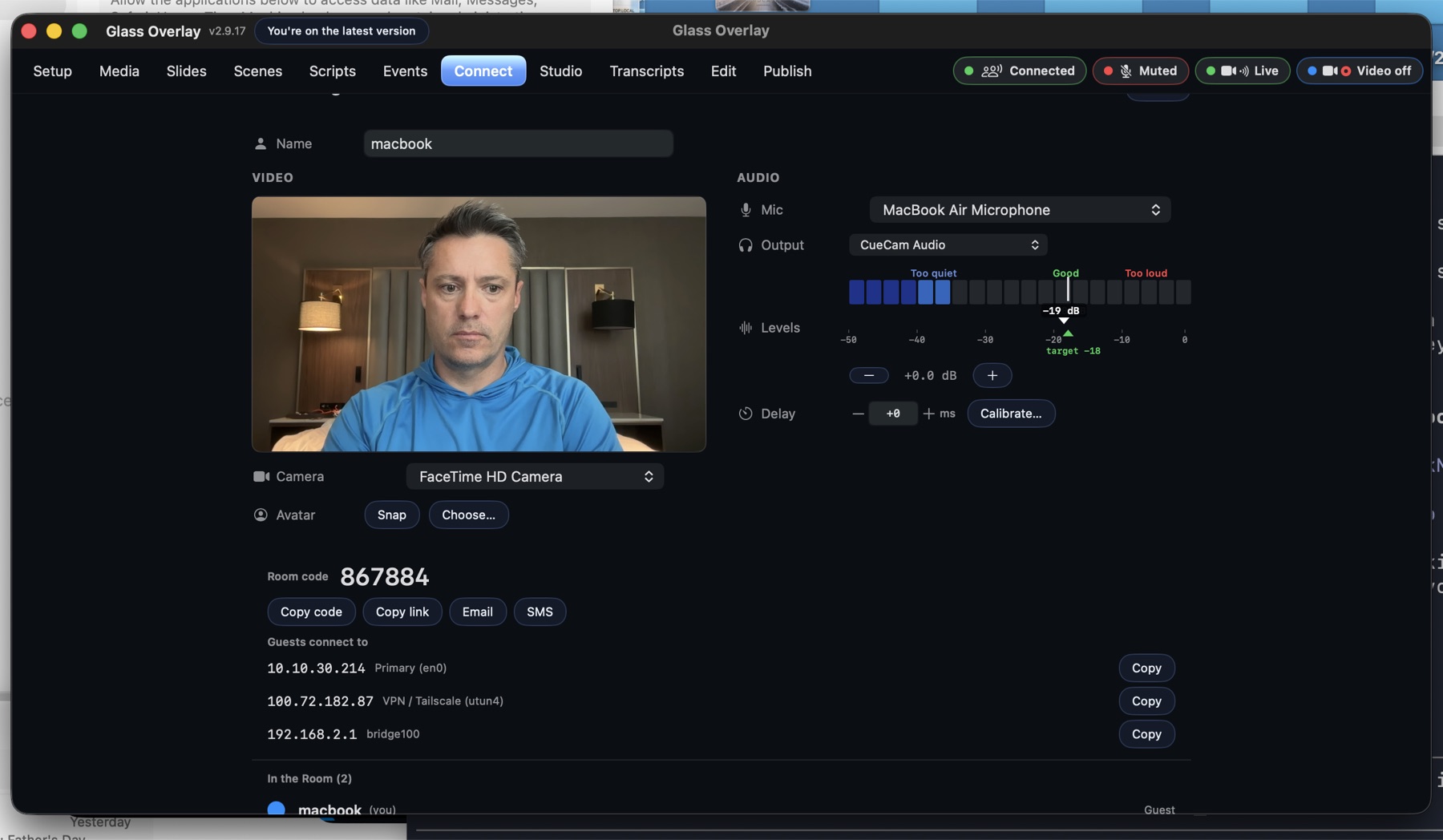
Draw on anything
Annotate live over your camera, slides, or screen — pen, shapes, laser, even 3D models you can fly with hand gestures. Every stroke lands in the virtual camera, so your call app sees it instantly.
Learn more →Studio-grade capture
Up to four channels, one-click GO, multi-track local ProRes recording that survives crashes, and RTMP streaming to Twitch, YouTube, or any custom endpoint.
Learn more →Finish in the app
A real timeline editor with per-speaker transcripts, filler-word review, multi-track export, and a clean Final Cut Pro handoff — no second app required.
Learn more →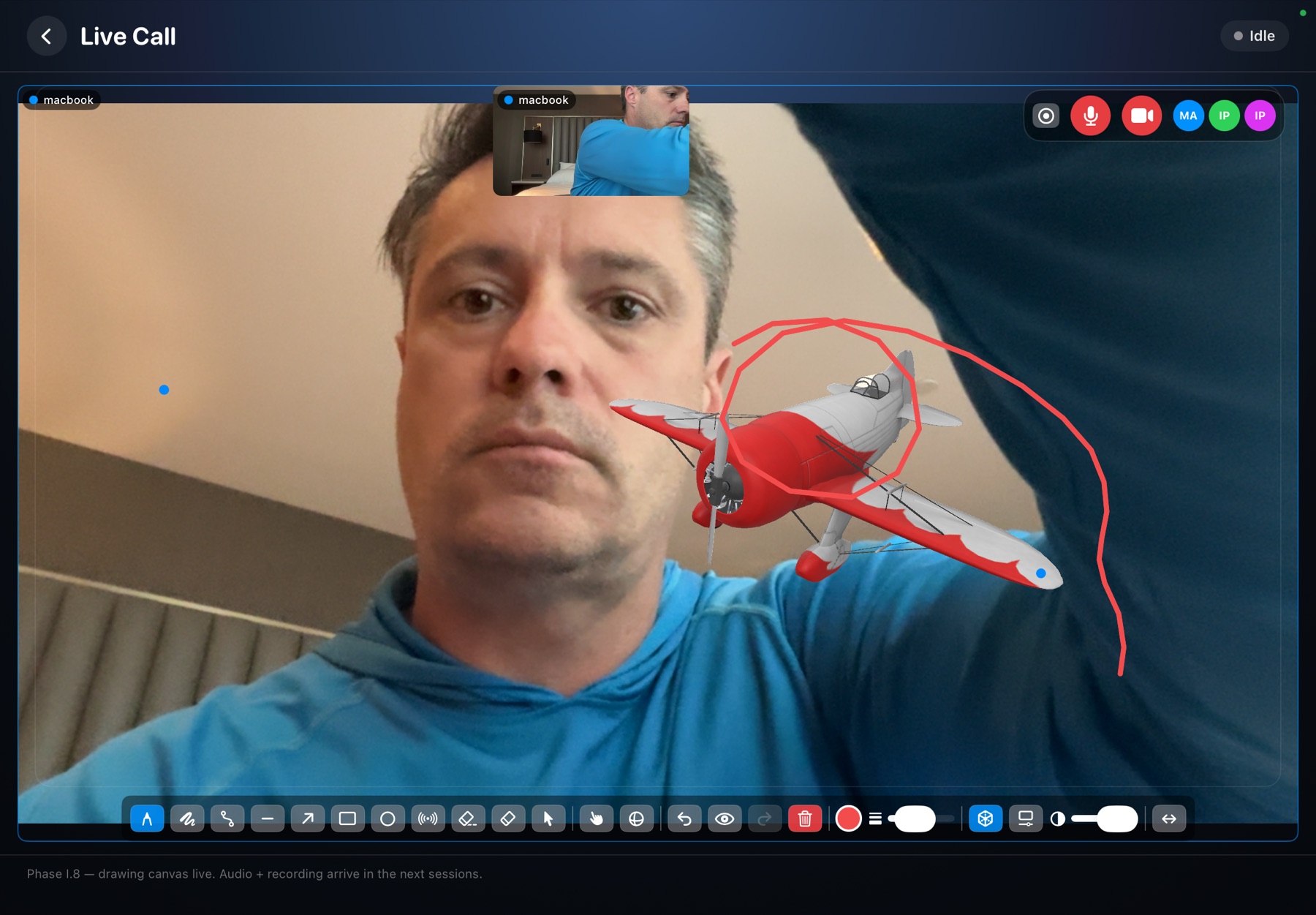
Got an invite?
Click the link your host sent you. With Glass Overlay installed, the link opens the app pre-filled with the room's address and code. Without it, you'll see a join page that walks you through manual setup.